

What is a .JFIF File? Why it's a JPEG in Disguise
Ever downloaded an image and received a strange .jfif file? You're not alone. Here's what it is and how to deal with it.
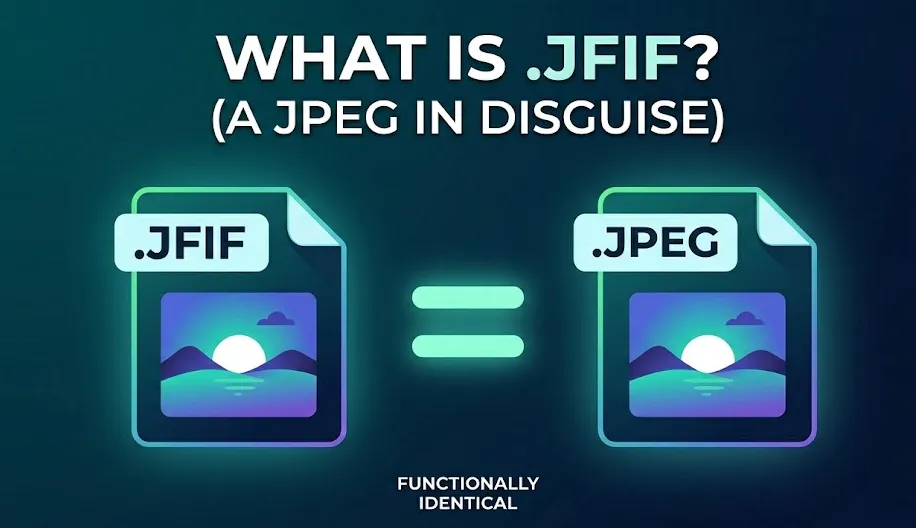
What Exactly is a JFIF File?
JFIF stands for JPEG File Interchange Format. Think of it as the "instruction manual" for a JPEG. It tells your computer how to handle resolution, colors, and aspect ratios.
The Reality
They are twins with different names.
The "Quick Fix" Renaming Strategy
In a rush? You can often "trick" your computer into treating the file as a standard JPEG just by changing the text of the extension.
Warning: This works for 90% of apps, but if your file still won't upload, it means the website is checking the internal metadata. In that case, use the converter below.
Convert Your JFIF Image Instantly
Upload your JFIF file and convert it to PNG or JPG in seconds. No downloads, no sign-ups, and it works directly in your browser.
Fast, secure, and completely free.
PNG vs. JPG: Which is right for you?
Choosing the right format depends on your content. After converting your JFIF, here is how to decide between the two industry standards.
Use PNG for Precision
Transparent backgrounds
Perfect for logos and web assets
Text and sharp graphics
No 'fuzzy' artifacts around letters
Lossless quality
Preserves every pixel exactly as-is
Ideal For
Logos, UI Elements, Screenshots, Graphics with Text
Use JPG for Efficiency
Complex photographs
Best for images with millions of colors
Web & Social sharing
Fast loading times and small file sizes
Standard compatibility
Works on every device ever made
Ideal For
Digital Photos, Blog Headers, Social Media Posts
Common Problems With JFIF
While JFIF images are technically valid JPEG files, the non-standard extension often triggers errors in modern workflows.
Upload Rejection
Many websites (like social media or job portals) use strict filters. If the site expects .jpg, it will often block .jfif entirely.
Editor Incompatibility
Professional editing software or legacy tools might fail to detect the file type, forcing you to manually rename the extension before you can work.
Sharing Confusion
Sending a JFIF to a client or friend can lead to "I can't open this" messages, as many mobile devices don't associate the extension with their gallery app.
Broken Thumbnails
Operating systems sometimes fail to generate a visual preview icon for JFIF, leaving you with a generic blank file icon in your folders.
Solution: Converting to JPG or PNG eliminates these friction points instantly while keeping your image quality intact.
Wrapping Up
JFIF files might be an annoyance, but they aren't broken. They are simply a technically precise way of saving JPEG data that some modern systems haven't fully caught up with yet.
Whether you choose to rename the extension or convert the file, your image quality remains safe.
Compatibility
JPG/PNG works everywhere.
Ease of Use
No special software needed.
No Quality Loss
Internal data stays sharp.