
Architectural Deep Dive into Client-Side PDF Engineering
By Cloudy Convert
Practical guides from the Cloudy Convert team on files, formats, privacy, and digital workflows.
Document lifecycle management represents one of the most critical operational pipelines in enterprise environments. For years, activities like extracting individual pages from massive financial portfolios, joining scattered project updates, or applying security stamps required complex desktop tools or remote web applications. However, handling confidential files on remote cloud environments introduces profound threat vectors regarding persistent data leaks, tracking loops, and unauthorized storage caching. Modern browser capabilities have introduced a revolutionary architecture: client-side portable document execution. By shifting processing workloads entirely to frontend stream arrays, developers can manage sophisticated PDF layouts directly in client memory spaces safely.
Decoding the Internal Objects Matrix of Portable Documents
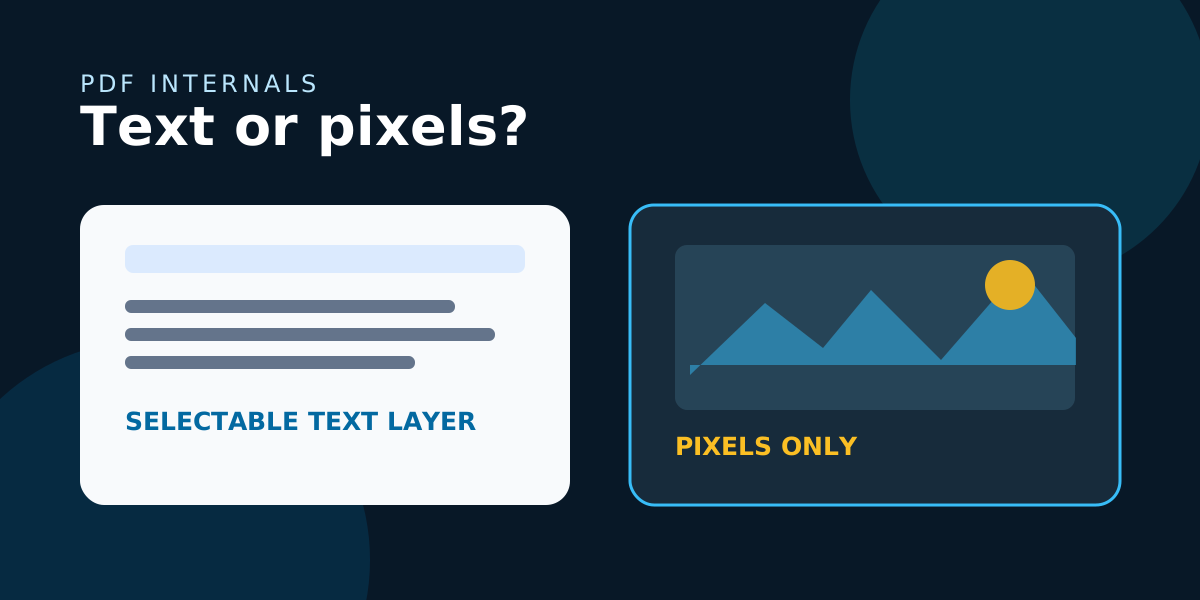
To safely merge, compress, or divide portable documents within a local web application without altering core visual fidelity, the system must interact natively with the underlying PDF document tree structure. A standard PDF file is not a simple image layer; it is an organized, hierarchical object database composed of four fundamental layers: the header configuration, the body dictionary array, a cross-reference (XREF) index layout, and a trailing metadata table. The body layer contains individual indirect resource entities—such as font definitions, color profile dictionaries, structural page manifests, and raw binary content streams.
When executing a document splitting function locally, the application reads the file's primary indirect resource table via JavaScript array buffers. Rather than performing a blind truncation of data blocks, our local processing pipeline isolates specific object identifiers linked to target canvas pages. It then builds a completely clean, independent cross-reference table matching only those selected assets. This careful isolation removes hidden tracking pixels, orphaned form elements, and unrelated page layers from the final download stream, optimizing output file size while enforcing bulletproof document privacy.
Algorithmic Stream Manipulation and Local Memory Allocations
Merging distinct files into a single, unified document structure requires resolving complex internal naming and reference conflicts. When multiple documents share identically named font definitions or structural resource indices, a simple concat process will corrupt the data streams, rendering the document unreadable on standard viewers. Our browser-side engine dynamically reads file indices, re-maps matching resource keys, and rebuilds structural font tables on the fly inside client memory allocations.
This runtime synchronization applies directly to PDF stream compacting tasks as well. Most online optimization tools use heavy compression models that drastically blur text layouts and ruin vector graphics. Our client-side compaction framework focuses on removing obsolete historical object tables, structural layout gaps, and duplicate font schemas. It also scales embedded photography layers using specialized vector mapping parameters. This sophisticated client-side pipeline significantly reduces file size while maintaining pristine readability for professional enterprise printing workflows.
Enforcing absolute Data Privacy within the Client Sandbox
By executing all operations inside the browser's JavaScript engine and WebAssembly threads, Cloudy Convert ensures that document binary data is never written to a permanent disk on a remote machine. The entire lifecycle—from the initial ArrayBuffer read to the final Blob download—is contained within the browser's sandbox. This provides an absolute guarantee of confidentiality, as the processing power is provided by your own hardware, and the data vanishes the moment you close the tab. This is the new gold standard for professional document security.
Secure Document Toolkit
Manage your sensitive PDF files with absolute privacy. Merge chapters, extract pages, or compress large reports directly in your browser.