Turn Anything Into a PDF
A PDF is not just a container for documents. It is a way to preserve layout, prevent accidental edits, and make information portable across devices, apps, and file systems.
By Cloudy Convert
Practical guides from the Cloudy Convert team on files, formats, privacy, and digital workflows.
The PDF Gold Standard
PDF (Portable Document Format) has survived three decades of tech evolution for one reason: Absolute Fixed Layout. Unlike HTML which reflows or DOCX which depends on local fonts, a PDF is a self-contained "digital container."
Immutable
No font shifts or layout breaks.
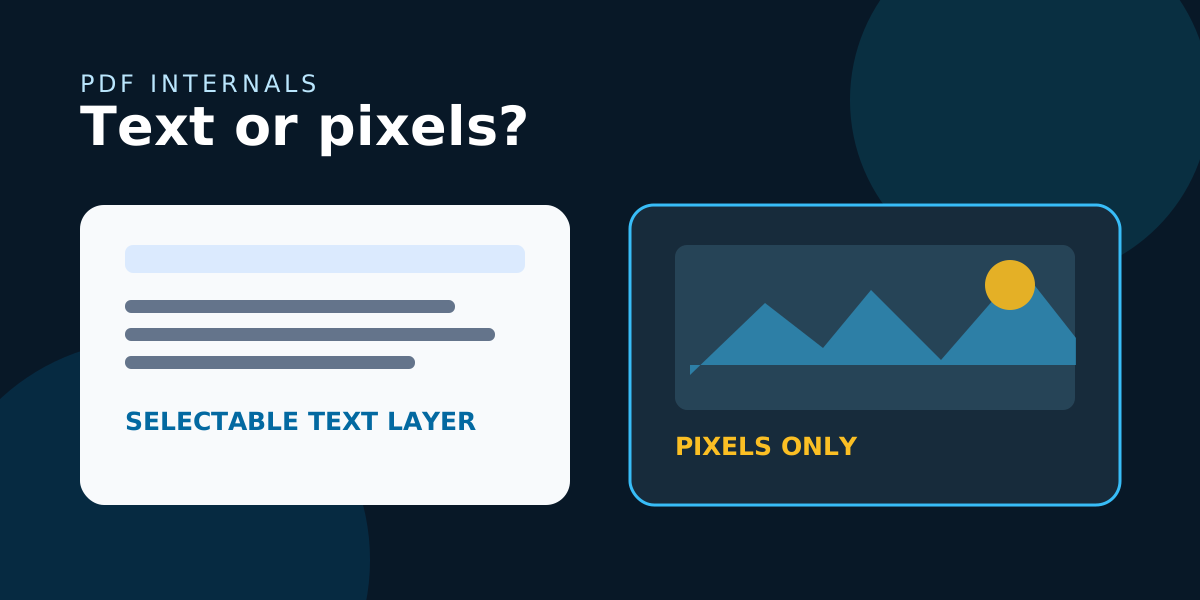
Searchable
Full text-layer indexing.
Universal
Native support on iOS, Android, and Linux.
Cloudy Convert Intelligence
Visual Media (JPG, PNG, WebP)
Lossless conversion for high-res photography and screenshots. Perfect for digital portfolios.
Launch ToolLive Web Content
Full-page captures including CSS and dynamic layouts. Ideal for legal archiving and receipts.
Launch ToolDocument Merging
Smart-ordering for multi-file batches. Combine multiple items into a single paginated document.
Launch Tool3-Step Effortless Workflow
Upload
Drag & drop files into the browser.
Process
Cloudy engines render the content.
Download
Get your optimized PDF file.
Cross-Platform Solutions
Enterprise-Grade Privacy
Review the privacy requirements of your workflow before converting sensitive documents. Keep the original, avoid unnecessary uploads, and confirm how the service handles files and metadata before relying on it for confidential work.
Best Practices for Reliable PDFs
Optimization techniques to ensure your documents look perfect on every screen.
Flatten Layers
Rasterize complex layer effects when exporting from design apps to avoid rendering surprises and unexpected transparency bugs.
Embed Fonts
Ensure consistent typography across platforms by embedding font files or converting text to outlines for high-fidelity needs.
Optimize Images
Downscale massive bitmaps before conversion. This reduces file size significantly without sacrificing visual quality.
Preserve Accessibility
Include meaningful alt text and a logical reading order to ensure your documents are accessible to everyone.
Strip Metadata
Protect your privacy by removing hidden metadata and sensitive history when sharing your documents publicly.
Quick Shortcuts & Pro Tips
The Anatomy of a "Pro" PDF
What happens under the hood when you click 'Convert'?
Vector Preservation
Shapes and text stay crisp even at 1000% zoom.
Embedded ICC Profiles
Colors look the same on a MacBook as they do on a Windows tablet.
Logical Structure
Tags and hierarchies enable screen readers to navigate content.
Choose the Right Route for Your Source
The source determines the cleanest workflow: convert an image directly, or capture a webpage when layout and links are part of the document you need.