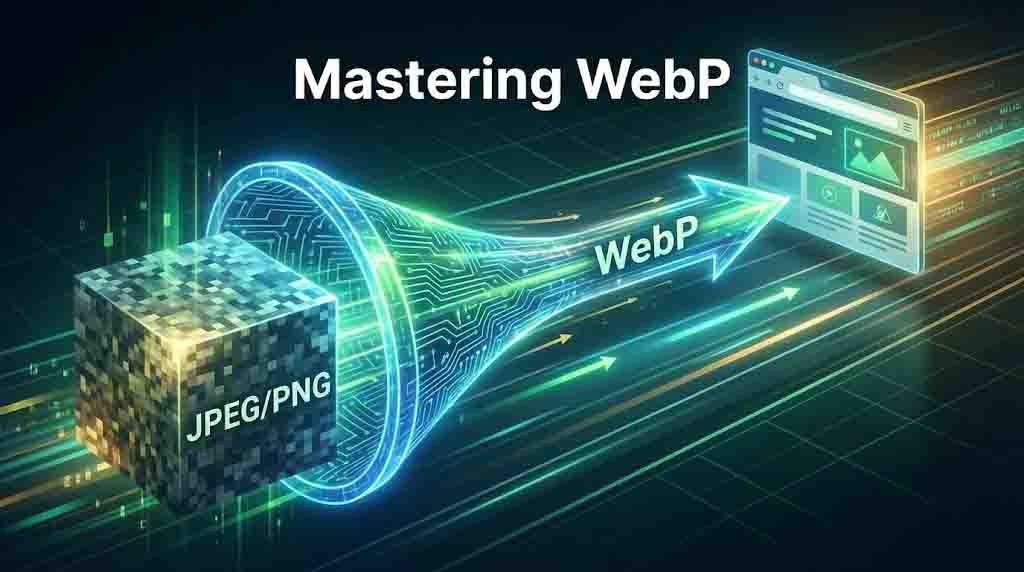
Mastering WebP: A Deep Dive into Next-Gen Image Optimization
The Future of Web Imagery
In an era where every millisecond counts, the weight of your images can be the difference between a bounce and a conversion. WebP isn't just a format; it's a performance strategy.
Developed by Google, WebP was designed specifically to address the limitations of legacy formats like JPEG and PNG. By using advanced predictive coding, WebP reduces file sizes dramatically while maintaining high visual fidelity.
Superior Compression
Up to 34% smaller than JPEG and 26% smaller than PNG without losing visible quality.
Full Transparency
Supports alpha channels just like PNG, making it perfect for UI elements and logos.
Modern Animation
A lightweight successor to GIF, supporting 24-bit color and transparency in animations.
Core Web Vitals & SEO
Google prioritizes sites with fast **Largest Contentful Paint (LCP)** scores. Since hero images are often the LCP element, switching to WebP can directly boost your search engine rankings by slashing load times by 30% or more.
Technical Comparison
| Capability | WebP | JPEG | PNG |
|---|---|---|---|
| Best Use Case | General Web Use | Photography | Icons/UI |
| Transparency | — | ||
| Avg. Saving | ~30% Higher | Standard | Low |
Format Selection Playbook
Choose WebP
Best default for blogs, landing pages, product thumbnails, and mixed content where speed and compatibility both matter.
Keep PNG
Use when pixel-perfect editing handoff is required, or when your production workflow still depends on lossless source assets.
Test AVIF Too
AVIF can beat WebP for aggressive compression, but encode/decode overhead and tooling maturity should be validated per project.
Modern Implementation
To ensure 100% compatibility while reaping the benefits of WebP, use the <picture> tag strategy:
<picture>
  {/* Modern browser? Use WebP */}
  <source srcset="image.webp" type="image/webp" />

  {/* Legacy browser? Fallback to JPEG */}
  <source srcset="image.jpg" type="image/jpeg" />

  <img src="image.jpg" alt="Performance optimized image" />
</picture>
Production Optimization Workflow
Export source images at exact rendered dimensions.
Convert to WebP with quality between 75 and 80 as a baseline.
Generate responsive variants for mobile, tablet, and desktop breakpoints.
Serve through a CDN with long cache headers and immutable file names.
Measure LCP and total image bytes before and after each release.
Keep JPEG or PNG fallback for older environments using <picture>.
Pro Tips for WebP Success
CDN Optimization
Many CDNs can auto-convert images to WebP on the fly based on the user's browser 'Accept' header.
Quality Thresholds
A WebP quality setting of 75–80 usually provides the best balance between file size and visual clarity.
Common WebP Pitfalls
Over-compressing Hero Images
Chasing tiny file sizes can introduce visible artifacts in high-impact areas. Always review hero assets at real device sizes.
Skipping Responsive Variants
A single large WebP still hurts mobile users. Pair WebP with srcset and size-specific outputs for true performance gains.
Boost Your Site Speed Today
Don't let unoptimized PNGs slow you down. Use our client-side converter to switch to WebP instantly.