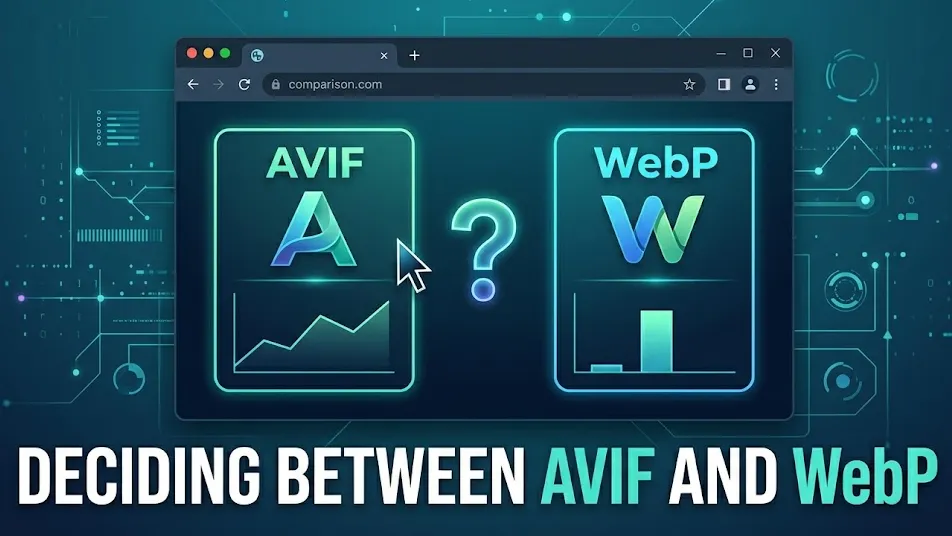
The Ultimate Format Guide: When to use AVIF, WebP, or PNG
File format is not a cosmetic choice. It determines whether an image stays sharp, loads quickly, preserves transparency, and survives the next production step without losing quality or control.
By Cloudy Convert
Practical guides from the Cloudy Convert team on files, formats, privacy, and digital workflows.

The Performance Trio: AVIF, WebP, & PNG
Web performance is no longer just about "small files." It's about perceived performance. While AVIF offers the best compression, WebP offers the best compatibility-to-size ratio.
AVIF
Highest efficiency. Best for Hero images and HDR color.
WebP
The workhorse. Supports alpha transparency and animation.
PNG
Lossless. Use for logos and sharp text-based graphics.
Put the Format Matrix to Work
Have a real asset that does not fit the matrix yet? Convert a copy, compare the result at its intended size, and verify that transparency, detail, and file weight still meet the job.
Test an image formatThe 2026 Format Matrix
| Format | Compression | Alpha/Anim | Best For | Performance |
|---|---|---|---|---|
| AVIF | Lossy/Lossless | Yes/Yes | Hero Images | |
| WebP | Lossy/Lossless | Yes/Yes | General UI | |
| SVG | Vector | Yes/Yes | Icons/Logos | |
| PNG | Lossless | Yes/No | Sharp Graphics | |
| JPG | Lossy | No/No | Legacy Photos | |
| HEIC | Lossy | Yes/No | iPhone Storage | |
| GIF | 8-bit Lossless | Yes/Yes | Memes | |
| BMP | None | No/No | Legacy Docs |
Efficiency Benchmark
To visualize the impact on your PageSpeed score, here is how a standard 1000x1000px photograph weighs in across different formats:
AVIF vs. WebP
AVIF is the king of compression, supporting 12-bit color to prevent "banding" in gradients. WebP is the "safest" modern choice, supported by 97% of browsers and faster to decode on older devices.
PNG vs. SVG
Use PNG for raster images needing transparency (product shots). Use SVG for everything else—icons and illustrations stay pixel-perfect at any zoom level with near-zero file size.
Pro Tip for Developers
When implementing images, use progressive enhancement. Prioritize AVIF first, then WebP, and keep JPG/PNG as the final fallback. This ensures lightning-fast speeds for modern users without breaking the experience for others.
The "iPhone Problem": Handling HEIC
Since Apple introduced HEIC (High-Efficiency Image Container), users have struggled with web uploads. HEIC is amazing for saving storage on your phone, but it is effectively invisible to the web.
Developer Alert: Browsers cannot render HEIC natively. If your app allows user uploads, you must convert HEIC to JPG or WebP on the fly to ensure other users can actually see the images.
Legacy Cleaning: BMP & GIF
Legacy formats like BMP and GIF are the silent killers of PageSpeed scores. A BMP file is uncompressed and massive, while GIFs are limited to 256 colors and bloat your bundle.
- BMP → PNGReduce file size by up to 80% without losing a single pixel of quality.
- GIF → Animated WebPGet full 24-bit color depth and better transparency at half the file size.
Productivity: PDF to Image & SVG
Sometimes you don't need a converter—you need an extractor. Converting a PDF page to a high-resolution PNG is the fastest way to create social media previews or email attachments.
"Treating vectors as images is a mistake. If your logo is an SVG, keep it an SVG. If it's trapped in a PDF, extract it to PNG for the web, but never convert a vector to a JPG if you can avoid it."
Implementation: The Picture Pattern
Don't just upload one format. Use the <picture> tag to serve the best possible format based on the user's browser support.
Image Optimization FAQs
<picture> element to provide fallbacks to WebP and then PNG/JPEG to ensure everyone can see your images.