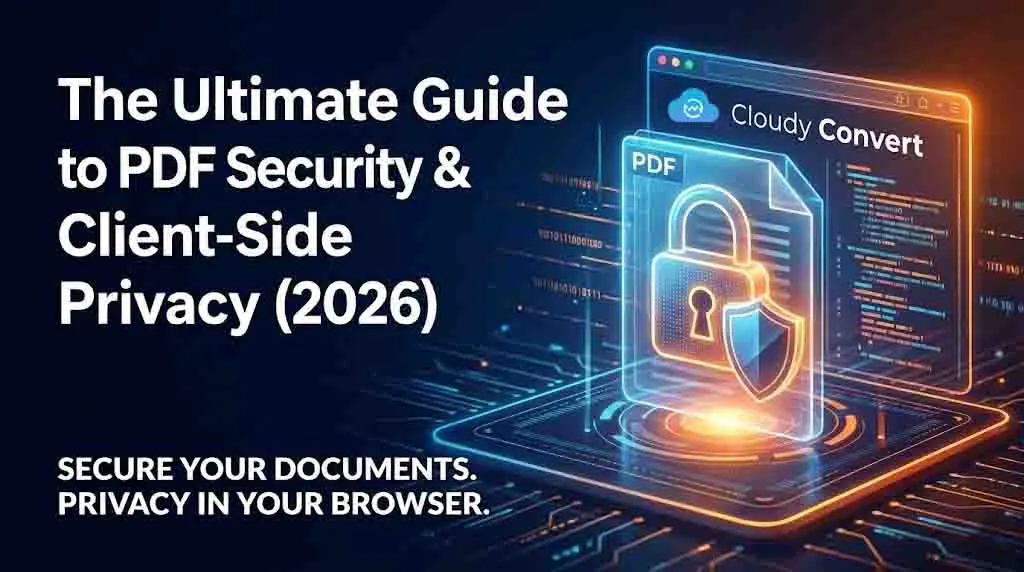
How Secure Are Your Online PDF Tools? The Client-Side Era
You wouldn't hand your tax returns to a stranger. So why are you uploading them to random websites? A developer's guide to the privacy revolution in online tools.
The "Old Way": The Server-Side Security Flaw
For two decades, online tools followed a simple but risky model: you upload your file, their server processes it, and you download the result. This creates a massive vulnerability called the "Transfer Gap."
The moment your file leaves your computer, you've lost control. You are trusting that the service will handle it securely, store it properly, and delete it completely. History has shown this is a trust that is often broken.
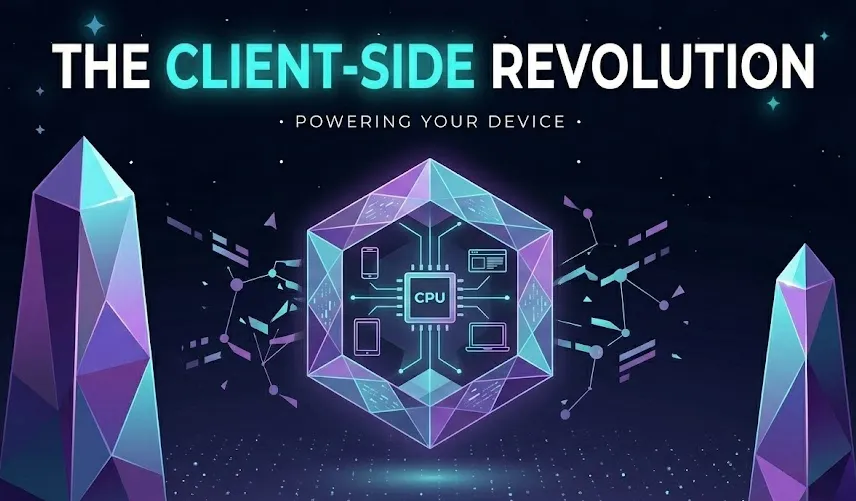
The Client-Side Revolution
Modern browsers are incredibly powerful. With technologies like WebAssembly (WASM), we can now run complex, high-performance applications (like a PDF merger or image compressor) directly on your machine, inside the browser tab.
Server-Side (High Risk)
Uploading to a remote server increases exposure: copies, backups, and misconfigurations can all lead to leaks.
- File upload over the internet
- Temporary or persistent server storage
- Third-party processing footprint
Client-Side (Zero Risk)
Processing happens in your browser so files never leave your device. This model minimizes trust and maximizes privacy.
- Processing code runs in-browser
- Files remain local to the user's machine
- Direct download of the result—no server copies
Why This Is a Game-Changer
- 1
Total Privacy for Sensitive Documents
You can safely merge bank statements, compress legal contracts, or watermark confidential reports without fear of data leaks or third-party access.
- 2
Blazing Fast Speed
By eliminating the upload/download bottleneck, conversions become near-instantaneous. The only limit is your own computer's processing power.
- 3
Offline Functionality
Once the tool is loaded in your browser, you can often disconnect from the internet and continue working. The logic is already on your machine.
Experience Secure Conversion
Try our client-side PDF merger. Notice how there's no "uploading" bar—just instant processing.
Merge My PDFs PrivatelyThreat Model & Attack Surface
Understand where data exposure can happen so you can design or choose tools with confidence.
Server Storage
Temporary or permanent storage on a third-party server increases risk. Prefer RAM-only processing or encryption-at-rest with strict retention policies.
Network Transit
TLS protects transport, but metadata and endpoints still reveal patterns. Minimize endpoint exposure and prefer direct client-side processing when possible.
Client Compromise
If the user's device is compromised, client-side processing cannot help. Combine client-side privacy with device best practices and optional PIN/passphrase protection for exports.
Auditability & Provenance
How to prove conversion integrity without leaking data
- Generate a client-side hash (SHA-256) of the original file and store only the hash for auditability.
- Record the transformation steps (tool versions, options) — do not store file contents.
- Offer a verification step that recomputes the hash locally and compares.
When Server-Side Makes Sense
Server processing isn't always avoidable. Here are cases where it's an acceptable tradeoff, and the mitigations to apply.
Heavy Lifting Tasks
Large-scale OCR, long-running video-to-PDF jobs, or batch operations that exceed client resources may require a server. Use transient workers and strict retention policies.
Specialized Tooling
When a binary or licensed codec can't be compiled to WASM, server-side is pragmatic. Containerize and attest processing steps; offer an opt-in with clear consent UI.
Developer Checklist — Building Privacy-First Converters
- Prefer client-side processing (WASM) when feasible.
- Avoid storing raw files; store hashes and metadata-only logs.
- Provide clear consent and explain tradeoffs in the UI.
- Offer an "Optimize for Privacy" toggle that enables RAM-only or local-only modes.
Quick Engineering Tips
- Use createImageBitmap + OffscreenCanvas for efficient image rasterization.
- Bundle critical WASM modules and lazy-load optional codecs to reduce startup impact.
- Expose a local verification endpoint so power users can audit transformations.