How to Watermark and Secure PDF Documents in Your Browser
The Hidden Risk of Server-Side Processing
"If you aren't paying for the product, your data likely is the product."
Every document you upload to a traditional server-side converter is a potential liability. Most online PDF converters require you to transmit your files to a remote server. This creates a critical "Transfer Gap" where your data is out of your control.
Even if a service promises to delete your files, there is no technical guarantee that logs, cached versions, or metadata haven't been stored. In an era of data-harvesting, this is a risk no professional should take.
The Client-Side Revolution
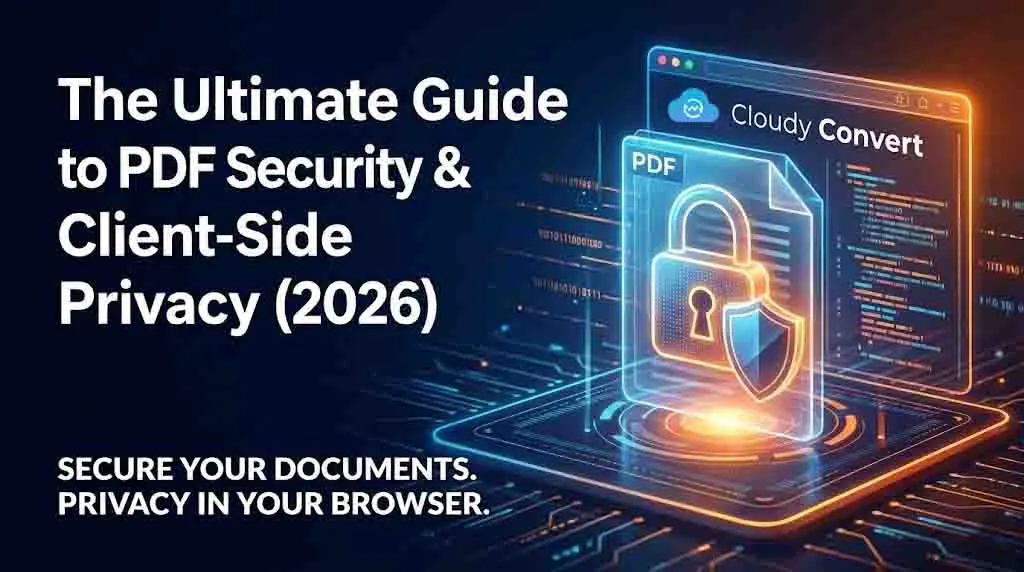
Cloudy Convert operates differently. Instead of your files coming to us, our tools go to you. By running the code inside your browser (RAM), we ensure that sensitive data stays on your hardware.
Zero Data Exposure
No bytes of your document are ever sent to a remote server.
Instant Execution
Eliminate the upload and download wait times entirely.
Beyond Passwords
The three fundamental pillars of maintaining document integrity in a digital workflow.
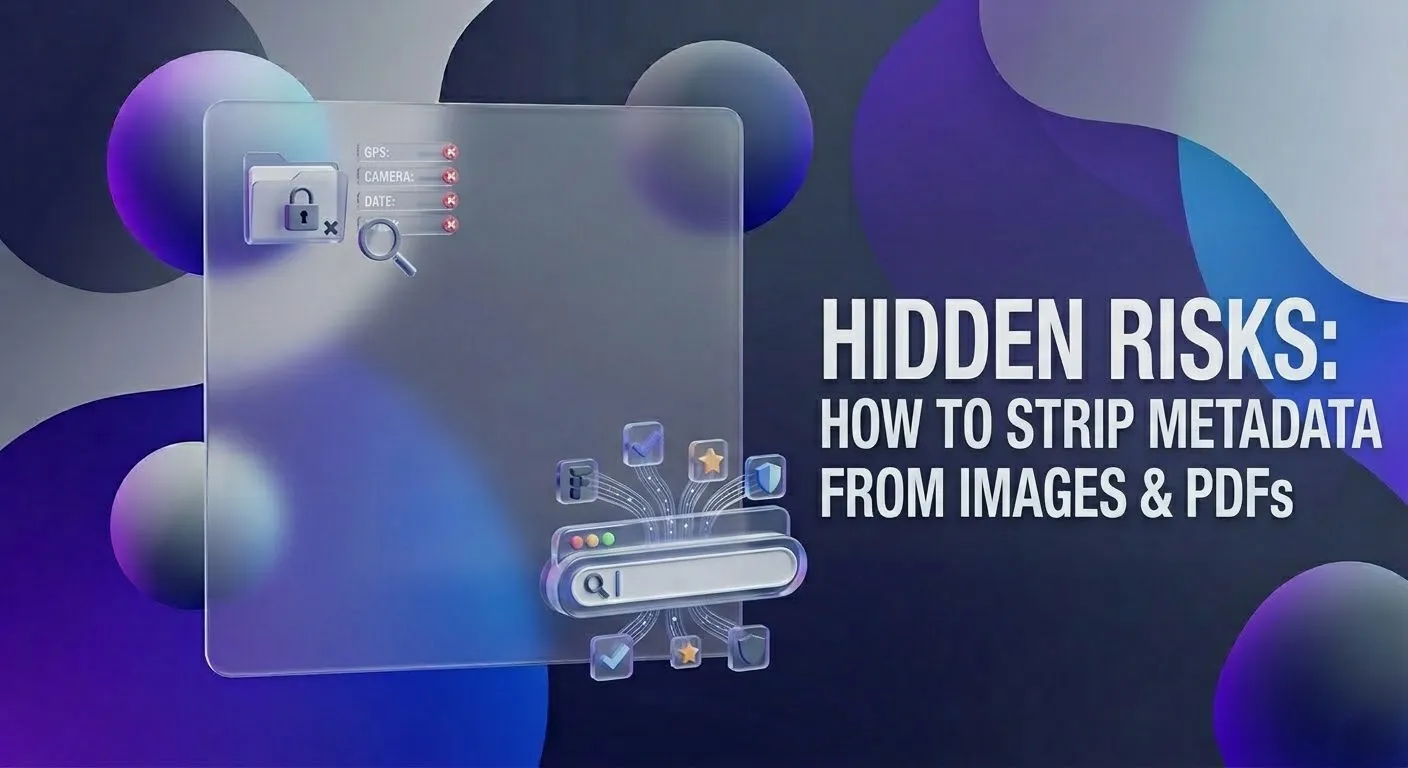
Metadata Stripping
Remove hidden author names, timestamps, and software signatures that can leak internal company details.
Visual Watermarking
Deter unauthorized sharing and claim ownership by embedding semi-transparent logos or 'Confidential' labels.
Secure Compression
Reduce file size locally so you can use encrypted email instead of risky third-party file-sharing links.
A Secure Workflow for Modern Teams
Verify Local Processing
Always choose tools that explicitly state 'client-side' or 'local processing' to ensure your files remain in your browser's environment.
Embed Deterrents
Apply watermarks at a 45-degree angle. This makes it impossible for automated OCR tools to cleanly scrape your data without manual effort.
Check Final Output
Download the processed file and inspect it. Since it was created locally, the download should be near-instant regardless of file size.
Industry-Specific Security Needs
Legal & Compliance
Law firms use watermarking to distinguish between "Privileged" and "Public" discovery documents. Client-side tools are mandatory for maintaining Attorney-Client privilege.
Remote Real Estate
Agents protect floor plans and sensitive disclosures by flattening PDFs, ensuring that hidden layers containing previous owner data are permanently unrecoverable.
Take Control of Your Privacy
Your documents are too valuable to trust to a server. Join the thousands of professionals using Cloudy Convert.
Get Started FreeThe "Silent Leaks": Metadata
A PDF is more than just text and images. It is a structured file containing a "Catalog" of its own history.
When you "redact" text by simply drawing a black box over it in a standard editor, the text often remains in the metadata layer. Skilled users can simply highlight and copy the "hidden" text.
Pro Tip
Always "Flatten" your PDF after watermarking or redacting. Flattening merges all layers into a single image-based layer, making data recovery virtually impossible.
| Feature | Server-Side Tools | Cloudy Convert |
|---|---|---|
| Privacy Location | Remote Server | Your Browser |
| Server Upload Required? | YES | NO |
| Processing Speed | Upload-dependent | Instant (Local) |